
Help Center / Getting started

Create your account and choose a plan

Applies to: All plans · Last updated October 8, 2026

Start on the Free plan with no card, then upgrade when you want found credit, the renewal plan or a team account.

Create your account

  1. On mycertrenewal.com, select Start free.
  2. Enter your email address and choose a password.
  3. Open the confirmation email from [email protected] and select the link to confirm your address.
  4. Sign in. The setup wizard helps you add your certifications, or import them from Credly.
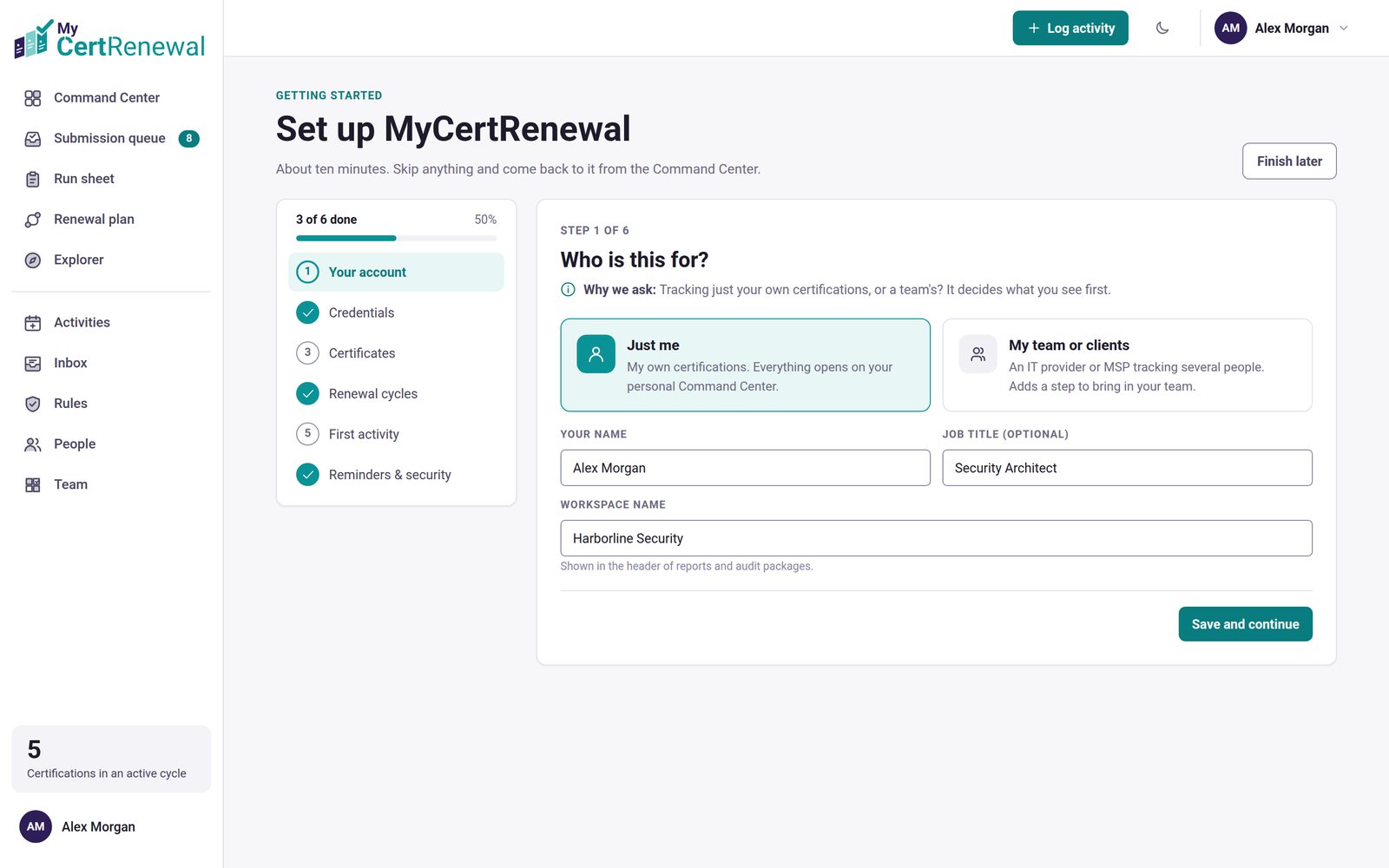
MyCertRenewal app screen: The setup wizard after you sign in.
The setup wizard after you sign in.

Which plan is which

  • Free: one person and up to 2 certifications, with 250 MB of evidence storage.
  • Pro: one person, unlimited certifications, found credit, the renewal plan, Portal check (compare your totals with the certifying body’s portal), the Explorer value score and the career planner, with 5 GB of storage.
  • Team: up to 10 people included, with more seats available. Everything in Pro for each person, plus the team coverage matrix, roles and a two-factor policy, with 5 GB of storage per person.
  • Compliance: for larger teams, with 15 people included and 10 GB of storage per person, set up with you as a pilot. Contact us to set it up.

Current prices are on the Pricing page.

Upgrade, change or cancel later

Go to Profile → Plan and billing. Payments are handled by Stripe, which also sends your receipts and invoices.
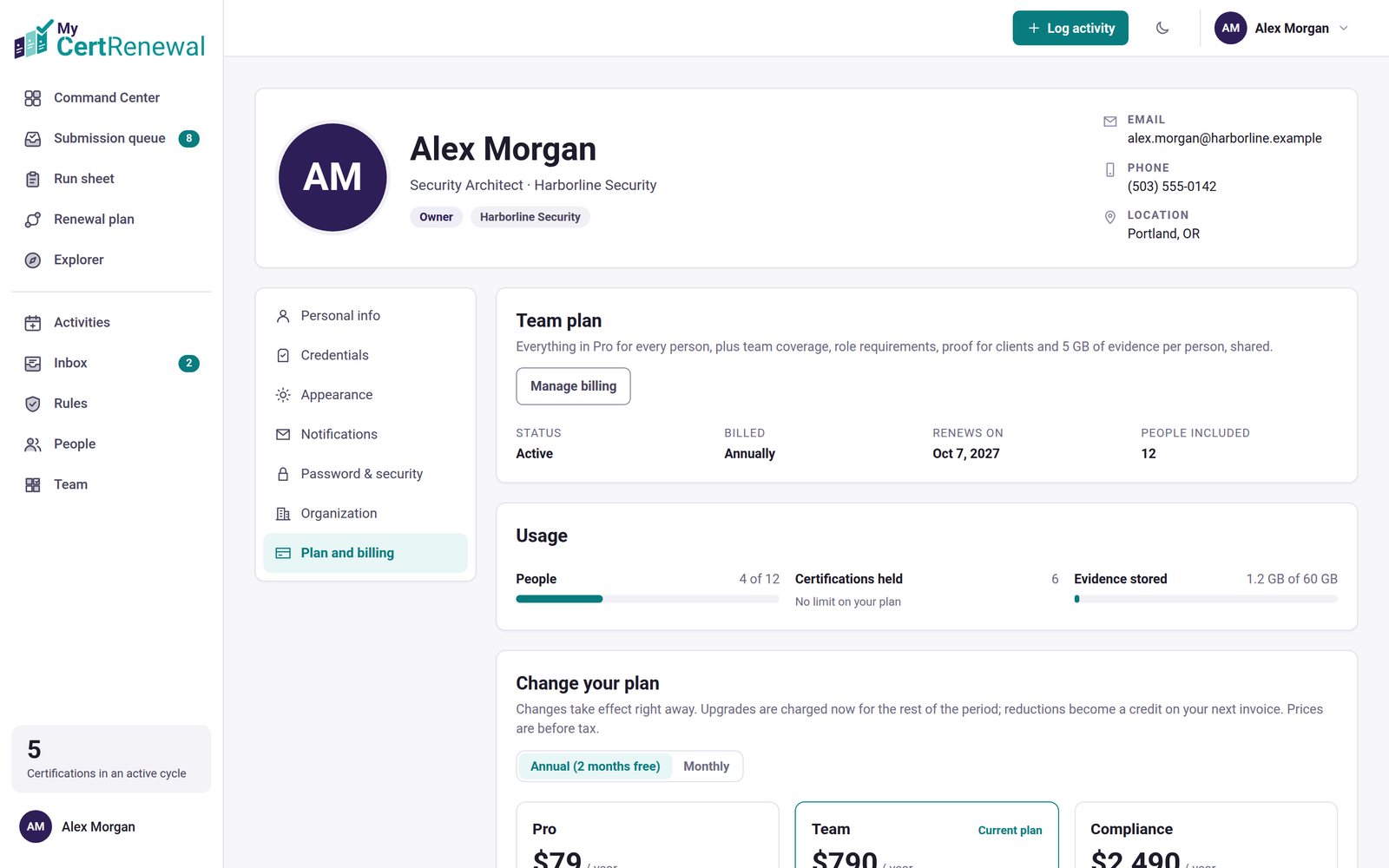

MyCertRenewal app screen: Profile → Plan and billing.
Profile → Plan and billing.

Good to know

  • MyCertRenewal is available in the United States and Canada.
  • If you change plans later, nothing you have entered is deleted.

Still stuck? Email [email protected] and tell us what you were trying to do.

Related articles

Add your certifications

Import your badges from Credly

A tour of the Command Center

Track it all in one place

MyCertRenewal lets you log an activity once and see the credit it earns at each certification it applies to. Start free with up to 2 certifications.

Certification renewal and CPE/CEU tracking for IT and security professionals who hold more than one certification. MyCertRenewal is a ConsultraCloud product.

MyCertRenewal is a ConsultraCloud product.

App screens show sample data. All trademarks belong to their respective owners. MyCertRenewal is not affiliated with or endorsed by ISC2, CompTIA, EC-Council, ISACA, Cisco, Credly, Amazon Web Services or Microsoft.

© 2026 ConsultraCloud. All rights reserved.